Claude's 1M Context Window Is a Game Changer for iOS Developers
Anthropic made the 1M-token context window GA for Claude Opus 4.6 and Sonnet 4.6 with no price increase. Here's what it means for Swift and iOS engineers.
If you’ve been using AI tools for iOS development, you’ve probably run into the same frustrating wall: your codebase is simply too big to fit in a single conversation. You end up chopping your Swift files into pieces, losing the context of your architecture, and watching the AI forget what your NetworkManager looked like by the time you’re discussing your ViewModel layer.
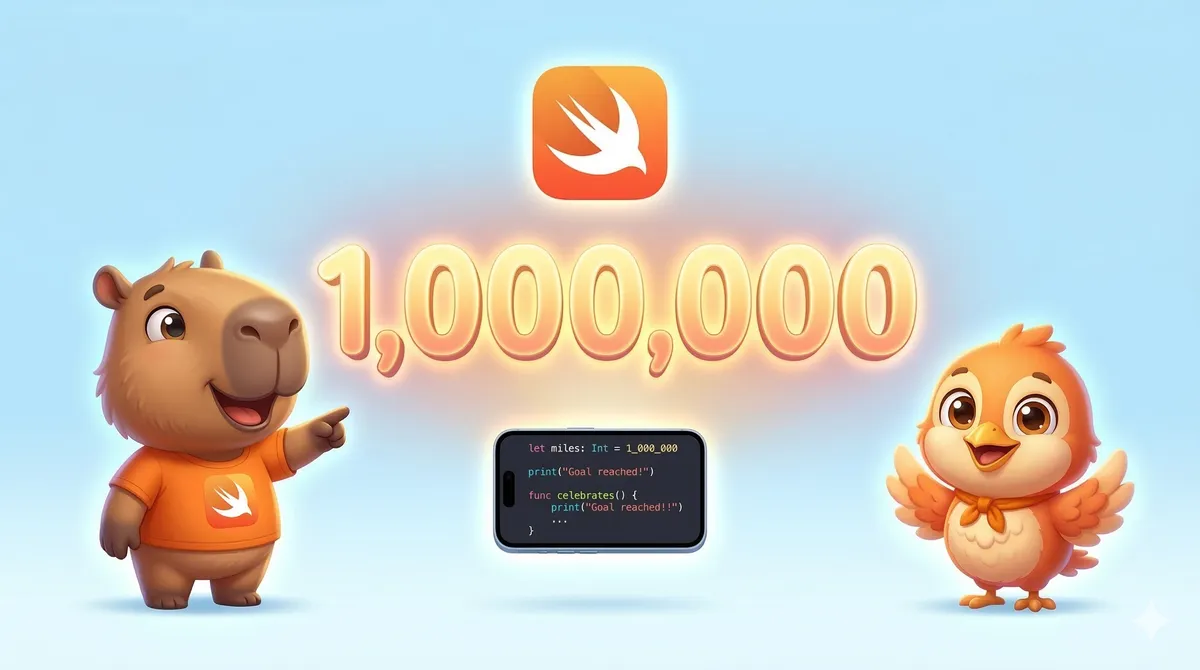
That wall just got torn down. As of March 13, 2026, Anthropic has made its 1-million-token context window generally available for both Claude Opus 4.6 and Sonnet 4.6 — and critically, at the same standard pricing with no long-context premium.
The short version
You can now load your entire Xcode project — every .swift file, your Package.swift, your test suite — into a single Claude conversation, and it will hold all of that context while you work.
What Does 1 Million Tokens Actually Mean for an iOS App?
Let’s put it in concrete terms. A typical mid-size iOS app with around 50,000 lines of Swift code consumes roughly 200,000–300,000 tokens. A large production app — say, 150,000 lines across multiple targets, with an extensive test suite and SPM dependencies — sits comfortably under 700,000 tokens.
That means virtually any iOS codebase you’re working on fits within 1M tokens, and you still have hundreds of thousands of tokens left for the actual conversation, iterations, and Claude’s output.
- All .swift source files across targets
- Unit and UI test files (XCTest)
- Package.swift and all SPM manifests
- Storyboards and XIB files
- Up to 600 screenshots or PDF pages
- Crash logs and Xcode diagnostics
- Accessibility audit reports
- App Store review guidelines (full doc)
The iOS Use Cases That Actually Matter
1. Full Codebase Architecture Reviews
Before this, getting a meaningful architecture review meant summarizing your own code for the AI — which defeats the purpose. Now you can dump your entire project and ask Claude to evaluate whether your MVVM or Clean Architecture implementation is consistent across all layers, spot circular dependencies between modules, and flag any anti-patterns that have crept in over time.
2. SwiftUI + UIKit Migration — Finally Feasible
Mixed codebases are one of the most painful things to work with. A migration assistant that can only see 30 files at a time will miss dependencies. With 1M context, Claude can see every UIKit view controller, every coordinator, every SwiftUI wrapper, all at once — and give you a migration plan that actually accounts for your real architecture.
3. Large PR Reviews with Cross-File Awareness
Large diffs didn’t fit in a 200K context window, so the agent had to chunk context — leading to more passes and loss of cross-file dependencies. With 1M context, you feed the full diff and get higher-quality reviews out of a simpler, more token-efficient harness.
This is exactly the pattern iOS teams will benefit from. A feature branch touching 40 files across your networking layer, data models, and ViewModels can now be reviewed in full — no chunking, no missed interactions between layers.
4. Debugging Long Agent Sessions with Claude Code
If you’ve been using Claude Code for extended debugging or refactoring sessions, you’ve hit compaction — the point where Claude has to summarize and discard earlier context to keep going. With 1M context, there’s a documented 15% decrease in compaction events. That means the variable name from the top of your session is still there when you’re 100 messages deep.
// Before: you had to remind Claude what your models looked like
// halfway through a debugging session

You: Remember, my NetworkError enum has these cases:
  case unauthorized, notFound, serverError(code: Int)...

// After: load the entire file once, Claude holds it all
You: Here is the full project. Why does my auth flow
      break on token refresh when the app is backgrounded?

// Claude now sees NetworkManager.swift, AuthViewModel.swift,
// AppDelegate.swift, and your token storage — simultaneously.
Pricing: The Part That Actually Surprised Me
Historically, long-context usage came with a pricing multiplier — a tax for using more of the context window. That’s gone. The full 1M window now runs at the same per-token rate as a short conversation:
| Model | Input (per 1M tokens) | Output (per 1M tokens) | Long-Context Premium |
|---|---|---|---|
| Claude Opus 4.6 | $5.00 | $25.00 | None |
| Claude Sonnet 4.6 | $3.00 | $15.00 | None |
For context: loading a 300,000-token codebase with Sonnet 4.6 costs about $0.90 in input tokens. That’s cheaper than a coffee and you get a full architectural review of your entire app.
Loading a 300K-token iOS codebase with Sonnet 4.6 costs about $0.90. That’s cheaper than a coffee — for a full architectural review of your entire app.
How to Get Started Right Now
There’s no migration or code change required if you’re already using the API. The 1M context window is active automatically — no beta headers, no feature flags. If you’re on Claude Code with a Max, Team, or Enterprise plan and using Opus 4.6, you’ll default to 1M context automatically.
For API users, the practical approach for an iOS project review looks something like this: concatenate your Swift files into a single prompt (or use Claude Code’s directory scanning), prepend a clear instruction about what you want reviewed, and send it. The standard rate limits apply regardless of context size.
A Few Practical Tips
When loading large codebases, give Claude a clear framing up front — something like “This is a production iOS app using MVVM with Combine. I want you to review the data flow between the networking layer and the ViewModels.” The more context you give about your architecture intent, the more targeted the feedback will be.
Also note that media limits expanded too: you can now include up to 600 images or PDF pages per request. That means your Figma exports, design specs, and App Store Connect screenshots can all accompany your code review in a single prompt.
View the full infographic: Claude 1M Context — iOS Developer Edition
TL;DR for iOS Developers
- Entire Xcode projects now fit in a single Claude conversation
- No price increase — same per-token rate regardless of context size
- 15% fewer agent compaction events — longer debugging sessions
- 600 images/PDFs per request for design + code reviews together
- No code changes needed if you’re already on the API
- Claude Code on Max/Team/Enterprise defaults to 1M with Opus 4.6
This is one of those changes that sounds incremental on paper but fundamentally shifts what’s practical in daily iOS development. The context management overhead that has made AI assistants feel like a junior dev who needs constant hand-holding — that’s going away. Your entire codebase is now a first-class input.
If you try it out on an iOS project, I’d love to hear what use cases worked best for you. The architecture review and PR diff analysis angles seem like the highest-leverage starting points — but there are probably patterns specific to mobile that we haven’t fully explored yet.